Copy as usual
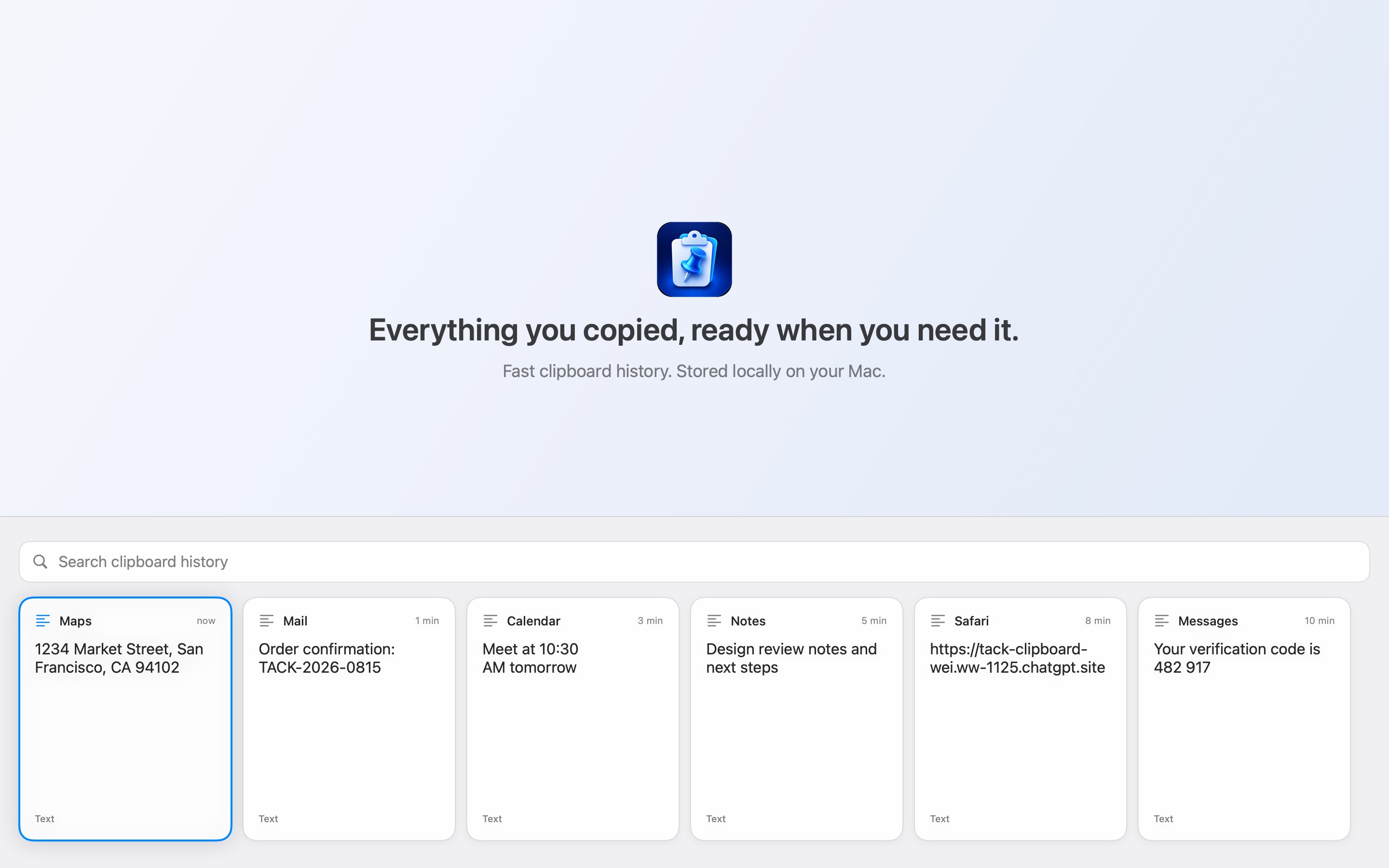
Tack quietly keeps recent text and images while you work. Every card remembers the app it came from.
Mac App Store launch coming soonNative for macOSLocal by default
Tack remembers the text and images you copy, then brings them back in a fast, searchable strip. Your history stays on your Mac unless you choose to sync it through your own iCloud account.
Free download · Monthly or Annual Tack Pro · macOS 14 or later
How it works
Tack stays quiet until the moment your clipboard needs a memory.
Tack quietly keeps recent text and images while you work. Every card remembers the app it came from.
The history strip rises from the bottom of the display you’re using, with search ready for your first keystroke.
Search, filter, preview or mark several clips. Return copies them — and can paste them back into the app you came from.
Built for fast recall
Tack turns clipboard history into a faster working surface, without becoming another place you have to manage.
Search, including pinyin
Search the content or its source app. A Latin-keyboard query can find Chinese too: “ha” or the initials “hhh” turns up 哈哈哈.
Star + filter
Star what you reuse, then narrow the strip to links, code, text or images. Search, filters and Starred all work together.
Preview + edit
Open long text, code and images in a full-width preview. Edit text in place, save it, then paste the corrected version.
Multi-select
Shift-arrow to mark a run, then press Return. Tack joins the selected text in the order you see it and pastes it as one clean block.
Keep history in step across your Macs through your own Apple Account. Off until you turn it on.
Take text and images with you as a JSON file and an Images folder — even after a subscription ends.
Launch Tack from Applications, Spotlight or Launchpad and the history panel now appears immediately.
The direct edition checks the current version daily and points you to the download page when a newer build exists.
Private by architecture
History lives inside Tack’s app container. Optional sync goes through your private iCloud database; license and update checks never carry clipboard content.
Read the full privacy policyHistory stays on this Mac unless you explicitly switch on iCloud sync.
Sync uses your private CloudKit database. Tack has no clipboard server and cannot read it.
Nothing to sign in to, and no tracking or advertising SDKs.
Concealed items and recommended password managers are excluded out of the box.
Built for your keyboard
Tack can paste a selected item back into the previous app. Without Automatic Paste permission, it simply copies the item for a manual Command-V.
Automatic Paste setupTack 1.0 · Coming to the Mac App Store
Choose Monthly at $1.99 or Annual at $19.99. Both plans include the same Tack Pro features and one three-month free trial for eligible customers. Purchases are handled by the App Store.